
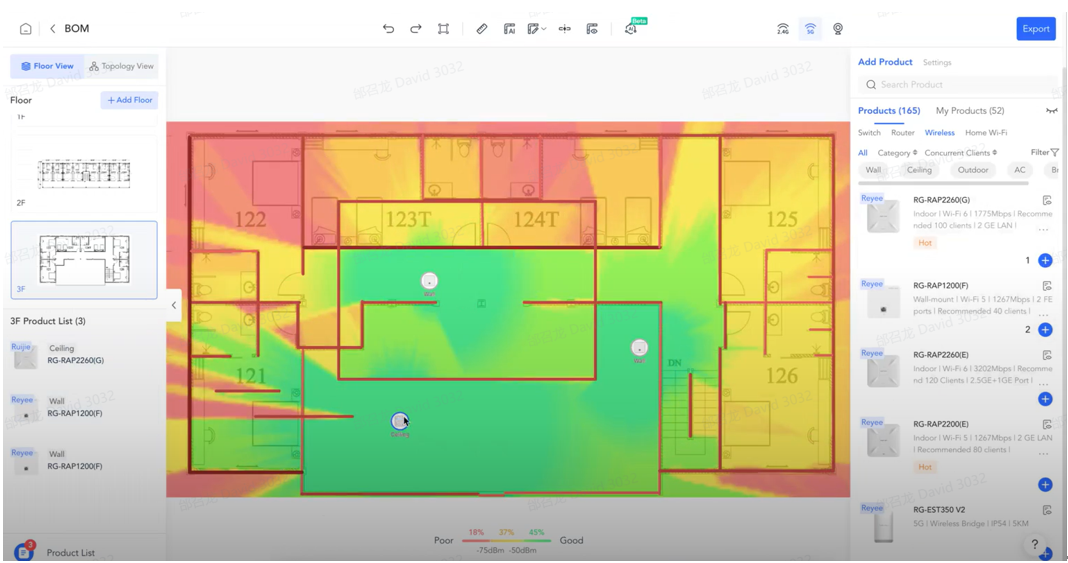
Do you want a stable network and full WiFi coverage?
At an amazingly low cost
AND IMPLEMENTATION IN JUST 1 DAY?
We can, because:
- We are representatives of the leading manufacturer Ruijie Reyee
- We have extensive expertise and technical certifications
- We carry out small and large projects daily
ALL IN 2 STEPS
You fill out the contact form (ideally with a floor plan of the space).
You receive a free study and implementation offer from the top experts.
Contact Form
CRM form will load here
It's not always the internet provider's fault.
You contact your phone provider, and if they don't help you, you switch companies until someone gives you a solution. However, your provider doesn't know what's happening in the local network of the area. There are often technical reasons that hinder the operation, even of the main supply. But you still have to get your work done...
Take control into your hands.
Smart Load Distribution among Internet Providers (load balancing)
Load balancing is the process by which network traffic is dynamically distributed across multiple Internet lines or servers to ensure maximum speed, stability, and reliability.
- Speeds from different providers are combined for better performance.
- Traffic prioritization can be implemented based on the business's needs (e.g., VoIP, cloud applications, streaming).
- Overloading a single connection is avoided by intelligently distributing the data.
- There is automatic failover in case a line goes down, ensuring continuous connectivity.
Network status diagnosis with artificial intelligence (AI diagnostics)
The AI Diagnostics feature of Ruijie offers an intelligent, automated, and efficient solution for network troubleshooting.
- Recommended solutions or steps for correction.
- Specific information about any potential malfunction.
- After the diagnosis is completed, the problems appear in red, providing.
- One-click automatic check: Detects any network malfunctions and helps quickly restore normal operation.
Automatic Ethernet Cable Check ( Copper Test )
The Copper Test function instantly scans network cables, detecting issues such as short circuits, broken lines, or other failures. It provides immediate diagnosis and accurate results, saving time and effort in repairs.
Protection from Network Loops (Loop Prevention)
The Loop Prevention feature activates the RLDP protocol, detects loops in Ethernet connections, and automatically disables the problematic port. Once the loop is resolved, the port is re-enabled automatically, ensuring safe, reliable, and uninterrupted network operation.
Smart and Seamless Wi-Fi Transition (Roaming Optimization)
The Roaming Optimization feature offers seamless Wi-Fi roaming. Devices switch automatically between APs without delays or disconnections. The use of AI enables continuous improvement of roaming, adapting devices to the environment for a smooth, top-level user experience.
Detection of Multiple DHCP Servers (Multiple DHCP Server Detection)
The Multiple DHCP Server Detection feature automatically detects when more than one DHCP is active on the same network and notifies the administrator. Information, such as the MAC address of the second DHCP server, is included in the notification, making it easier to identify and resolve the issue, protecting the network from IP conflicts and instability.
Device Access Control (Blacklist)
The Blacklist feature allows the blocking of specific devices (based on MAC address) from the Wi-Fi network or specific SSIDs. With management options either at the AP/AC or SSID level, as well as the ability for bulk imports and capacity settings (e.g., up to 1024), it offers flexible and secure access management through a web or cloud interface.
Protection from IP Conflicts (IP Conflict Detection)
The IP Conflict Detection feature automatically scans IP addresses before assigning them via DHCP and detects conflicts either through ping or changes in ARP records. Once a conflict is detected, an alarm is triggered and logged, enabling quick diagnosis and immediate resolution of network issues.
Real-Time Network Monitoring (Monitor)
The Monitor function provides supervision and display of network operational data both in real time and historically.
- Leverage visual network topology with updates and easy problem detection.
- View detailed analytics for each device (CPU, RAM, clients, logs, etc.).
- Analyze historical traffic reports (day/week/month) with comparisons and KPIs.
- View live network traffic through user-friendly consoles.
Network Security from ARP Attacks (ARP Spoofing Prevention)
The ARP Spoofing Prevention feature enhances your LAN security through ARP-Check and Dynamic ARP Inspection, IP–MAC binding, rate limiting, and blocking of untrusted ports. It prevents gateway spoofing, duplicate IP assignments, ARP flooding, and spoofing attacks. It can be easily set up via Web interface or Cloud.
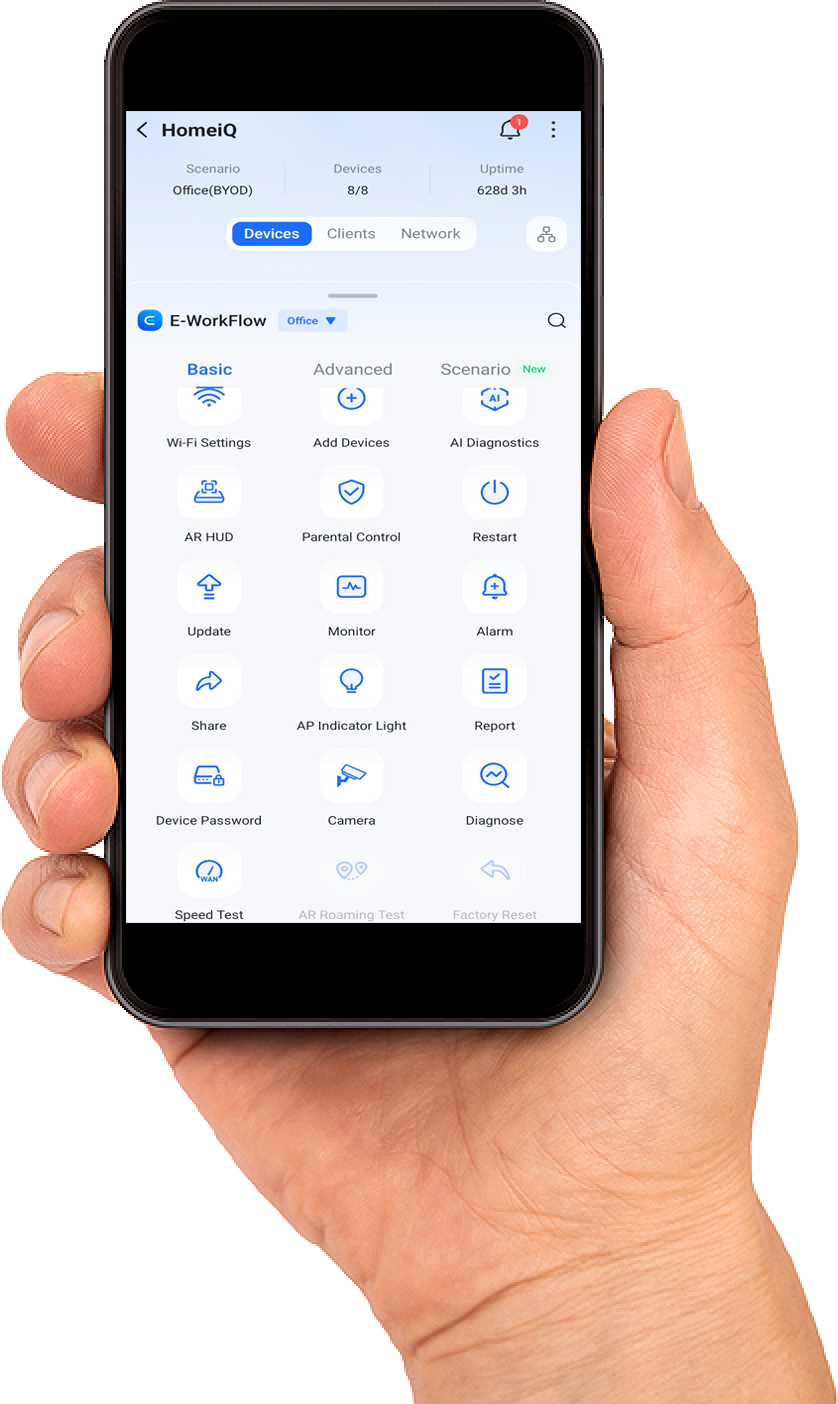
Remote upgrade/restart of devices
You can perform remote upgrades and remote reboots of network devices or peripheral devices powered by them (e.g., cameras, telephones, PBX systems, etc.).
And many more features such as
- PARENTAL CONTROL - Network function restriction to prevent misuse from specific devices (e.g., children's tablets)
- SPEED LIMIT - Ability to limit the maximum speed for specific devices (such as guest devices) to ensure there is always enough speed for everyone.
- FLOW & APP CONTROL - Application Control